Annual Dental School Research Report 2022
This report details the tremendous breadth and depth of our research and its impact
-
Research Themes
Melbourne Dental School research is encompassed within several broad research themes. This multidisciplinary approach aims to increase the opportunities for researchers to collaborate on projects that span common themes.
-
Research Groups
An overview of the research interests within the Melbourne Dental School and the project work being carried out by our research groups.
-
Services and Opportunities
The Melbourne Dental School includes a number of shared research facilities, as well as several research services open to researchers external to the University of Melbourne on a fee for service basis.

Melbourne Dental School Research
The Melbourne Dental School is dedicated to several areas of Research which fall under our Dental Research Themes. The focuses surround improving public health, analysing the impact, improvement of technologies, and bettering of practices - all in the area of Oral Health.
Graduate Research at MDHS
A resource for students and supervisors seeking up to date information about policies and procedures
The University of Melbourne is a globally engaged, comprehensive, research-intensive university uniquely positioned to respond to the major social, economic and environmental challenges of our time.
What does the Melbourne Dental School have to offer as a prospective student, employer or collaborative partner?
The Melbourne Dental School is at the forefront of oral health education and research, directly impacting patients, health policy, and the commercial sector. With a rich history as a school, we continue to build on this strong foundation to address the needs of oral health in a rapidly changing world. Hear from our current staff and students about their experiences.
-
Degrees
Our degrees, taught by our world-renowned academics are the perfect way to begin in the field of dentistry.
-
Short Courses
Our CPD programs would not be possible without our many highly experienced presenters. We encourage participants to take advantage of this knowledge base while attending our programs.
-
Scholarships, Bursaries and Prizes
The Faculty of Medicine, Dentistry and Health Sciences offer an extensive range of scholarships and bursaries to undergraduate and postgraduate coursework students.
-
Graduate Research and Honours
Explore research projects and themes across the Melbourne Dental School.
Whether you're just starting out or a seasoned professional, we have something to suit your needs and schedule. With the highest teaching evaluations in the Faculty of Medicine, Dentistry and Health Sciences we are proud to offer our coursework and short course programs to our leaders and future leaders.

Student Resources
Whether you are a new or returning student to Melbourne Dental School, you can access information regarding all stages of the student life cycle here.
New Students
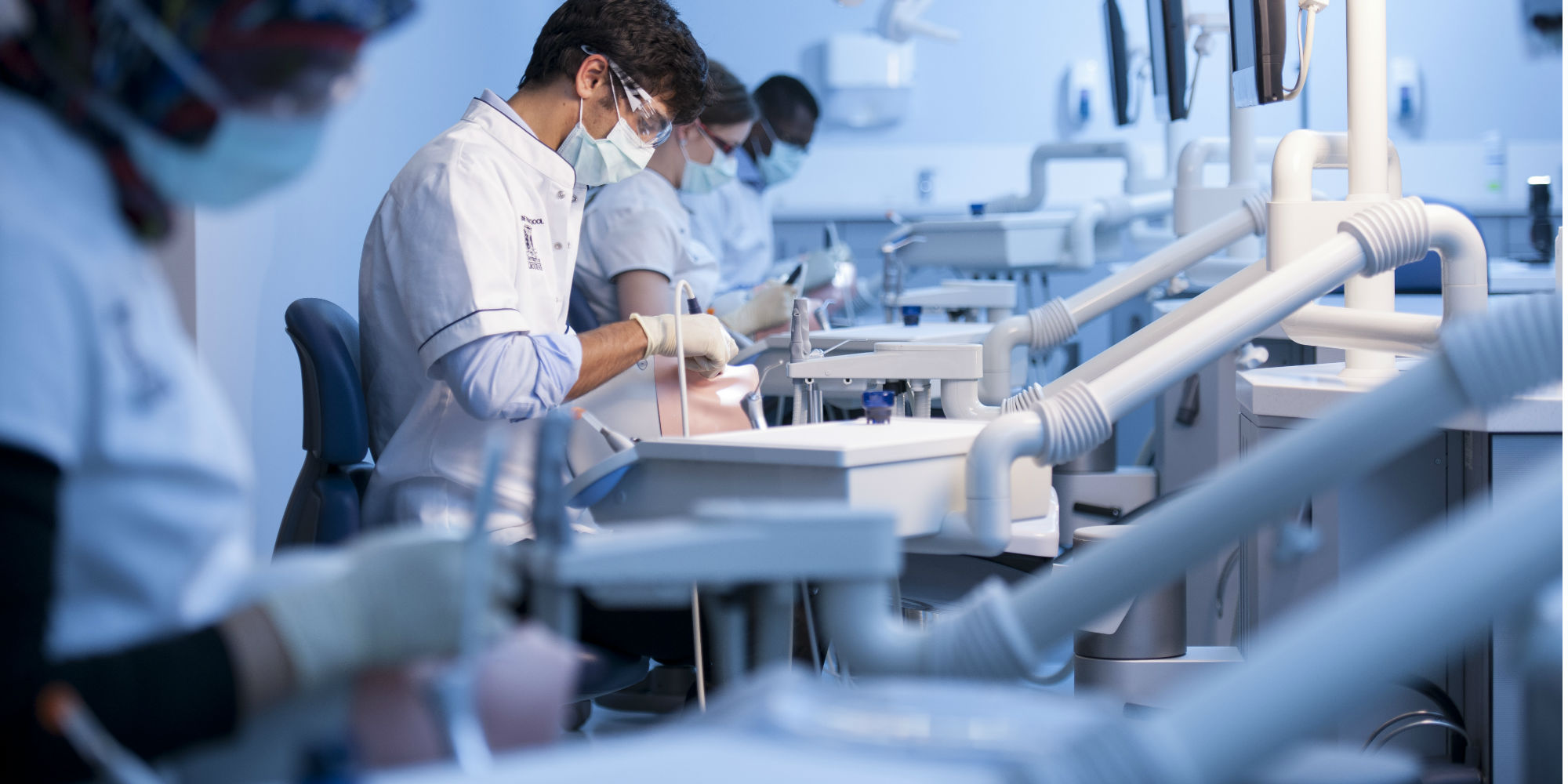
As a new student at Melbourne Dental School you can look forward to studying in Australia's top school for everything relating to dentistry, oral health, and dental research.

Student Placements
Work-integrated learning, including placement, provides career-defining experiences for students and is integral to many programs within
the Faculty of Medicine, Dentistry and Health Sciences.

Student Profile
“They made the dental school experience that much more enjoyable and I have benefitted greatly from their teachings both clinically and professionally.”
Thank you for engaging with the Faculty of Medicine, Dentistry & Health Sciences. As a friend and supporter of this faculty you will help create scholarships for our students, support groundbreaking research, and build important partnerships and support community engagement.
-
Alumni
Our pride in our graduates and in their lives spent improving the health and well-being of others is matched by our desire to maintain strong connections with all who have passed through our doors.
-
Support
We are grateful for the many ways in which our alumni, donors, friends and the community support the Faculty of Medicine, Dentistry and Health Sciences.
-
Partners
We recognise partnerships and collaborations are an integral facet of our development and a major strength of the school.
-
Community
The Melbourne Dental School hosts a number of unique programs of community and scientific interest, including the Dental Mentoring Program.
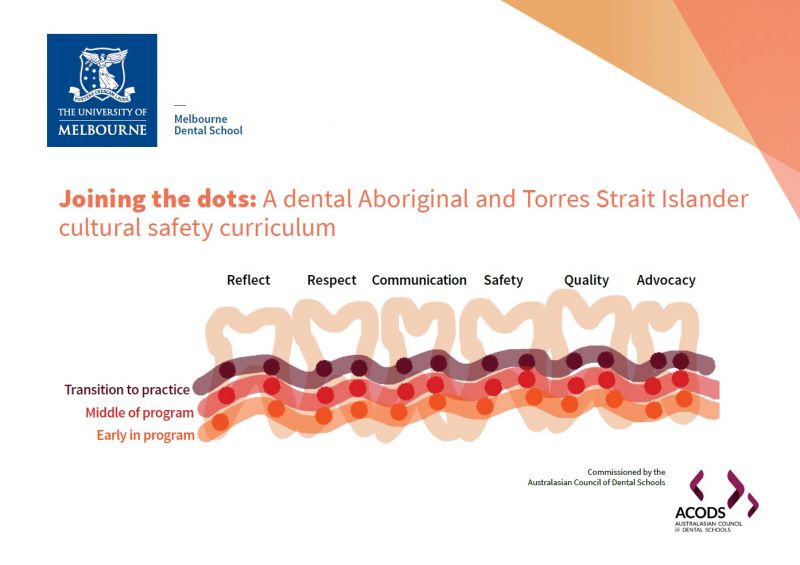
Joining the dots: A dental Aboriginal and Torres Strait Islander cultural safety curriculum
Without cultural safety there is no clinical safety and the inextricably linked elements of clinical and cultural safety are critical to ensuring peoples’ health, self-determination and well-being.
Commissioned by the Australian Council of Dental Schools, the Dental Aboriginal and Torres Strait Islander Cultural Safety Curriculum has been developed to inform the educational preparation of Australia’s dental practitioners.
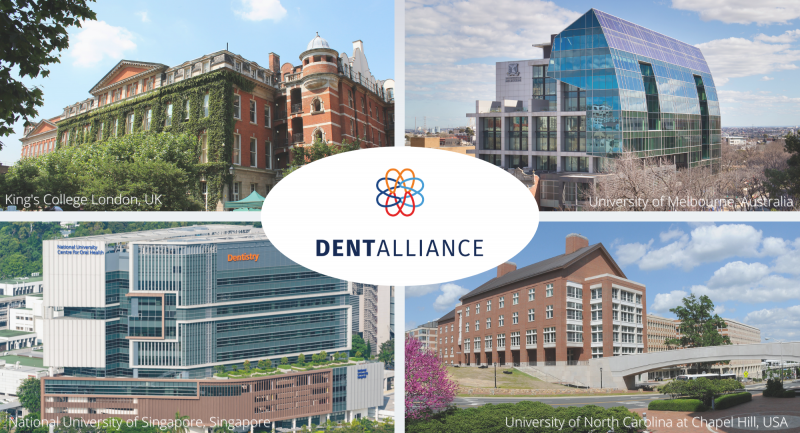
Introducing DentAlliance
Four prestigious dental schools have joined forces to each bring their world-leading expertise to the collaboration and will work together to enhance professional practice in dentistry. This is an exciting program of engaging content, practical case studies, hands-on training, and clinical insights from a range of experts.
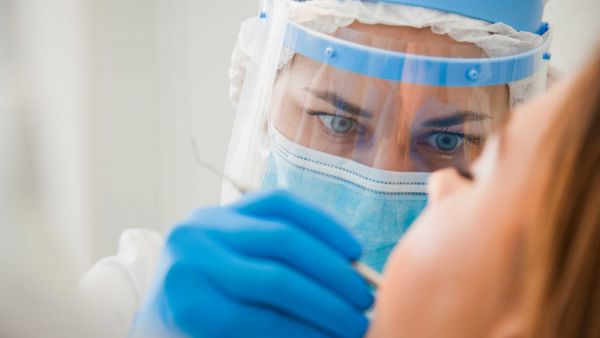
COVID and Dentistry
Fortnightly updates about COVID and Dentistry
Early Childhood Caries: Challenges & Opportunities
The Melbourne Dental School is pleased to invite you to the launch of The Division of Population Health, Cariology & Oral Health Seminar Series.
Early childhood caries remains one of the highest causes of preventable hospitalisation of young children, with major impact on the child, their family and community. The seminar will be streamed live with an interactive platform for online discussion.

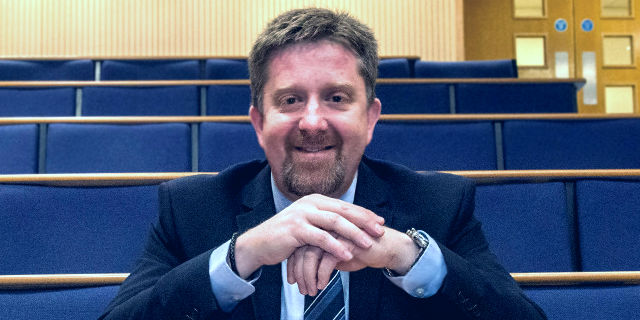
Head of School's Welcome
Professor Alastair J Sloan BSc, PhD, FHEA, FRSB
The mission of the Melbourne Dental School is to be a world-class, research-based school, offering education of the highest quality and to play a leading national and international role with particular relevance to the Asia-Pacific region.
What does the Melbourne Dental School have to offer as a prospective student, employer or collaborative partner?
The Melbourne Dental School is at the forefront of oral health education and research, directly impacting patients, health policy, and the commercial sector. With a rich history as a school, we continue to build on this strong foundation to address the needs of oral health in a rapidly changing world. Hear from our current staff and students about their experiences.
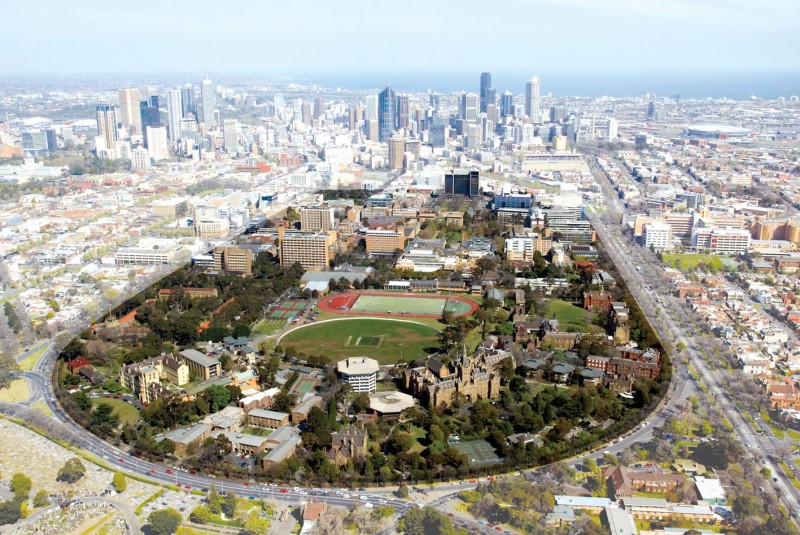
History of the Melbourne Dental School
In 1884, a group of dentists formed the Odontological Society of Victoria with the aims of the regulation and education of dentists in the state of Victoria. Mr John Illife (1847-1914), a member and later President of the Odontological Society of Victoria, was the driving force in negotiations for the regulation of dentistry in Victoria and the establishment of a hospital and college in Melbourne.
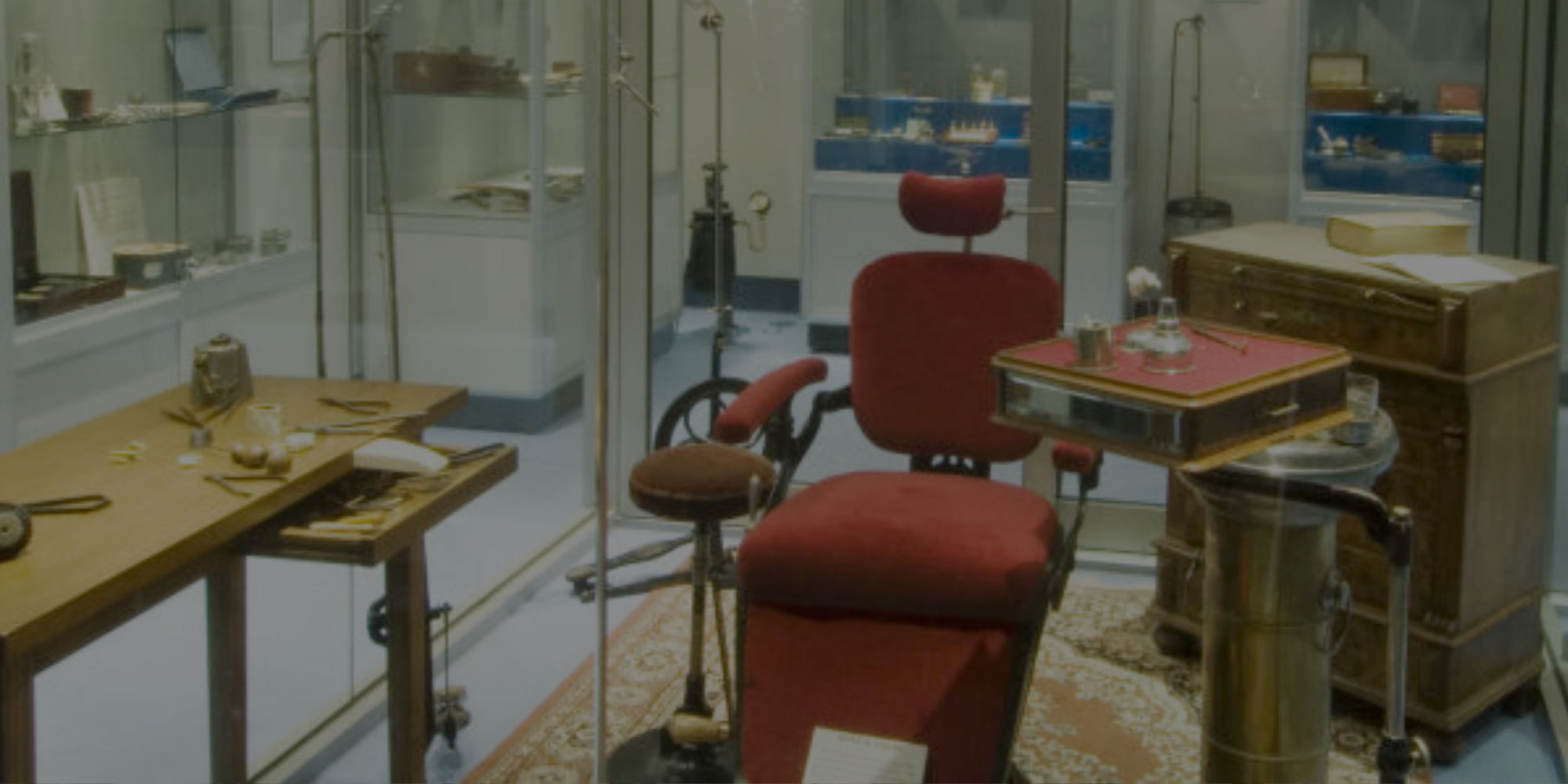
Henry Forman Atkinson Dental Museum
The Henry Forman Atkinson Dental Museum contains over 2500 objects, photographs, documents and catalogues relating to the history of dentistry and dental education in Victoria.
Objects in the collection date from the early 1700s and provide insights into the changes and developments within the dental profession and its striving to improve the standard of dental education, dental health and dental care within Victoria.
The Henry Forman Atkinson Dental Museum is located on the ground floor, 720 Swanston Street Melbourne, in the same building occupied by The Royal Dental Hospital of Melbourne.
- Tweets by the Melbourne Dental School
COVID and Dentistry
 Alumni
Our extensive network of alumni and friends include local and international graduates who have followed diverse career paths from research to primary care, industry to politics.
 Teaching Clinics
High quality health care for you. Providing learning opportunities for our students.